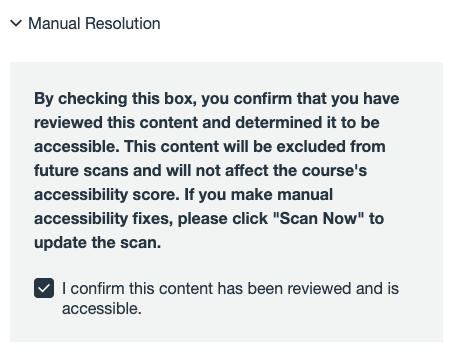


Reviewed and Resolved Options
Are the Reviewed and Resolved options indicators of accessibility?
Reviewed and Resolved in Access4All are workflow indicators only and are not measures of accessibility compliance. Marking an item as Reviewed or Resolved does not make it accessible; it indicates that the faculty member has already verified or addressed accessibility. Items should only be marked Reviewed or Resolved when the accessibility issue has been fully remediated or when an appropriate, accessible alternative format has been provided.
For example, scanned documents or image-based PDFs should not be marked Resolved unless an accessible version or appropriate alternative format is available. Scanned books and image-based PDFs are not accessible to screen readers and may also be subject to copyright restrictions; faculty are encouraged to work with their college librarian to identify accessible or licensed alternatives.
When should I use “Mark as Reviewed” or “Manually Resolved”?
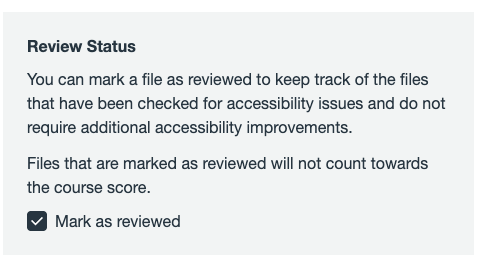
Mark as Reviewed should be used to indicate that the faculty member has manually evaluated the content for accessibility issues (such as missing alternative text, insufficient color contrast, or untagged PDFs) and determined that the material is accessible or that an appropriate alternative format is available. By selecting Mark as Reviewed, the faculty member is confirming accessibility.
Manually Resolved is commonly used for media with auto-generated captions. After captions have been manually reviewed and corrected as needed, the item may be marked as manually resolved. By selecting Manually Resolved, the faculty member is confirming accessibility.